Live TV and TV guide
Channels by category, what's on now and next, a full TV guide, and catch-up where your provider keeps it.
For LG webOS TVs and Windows
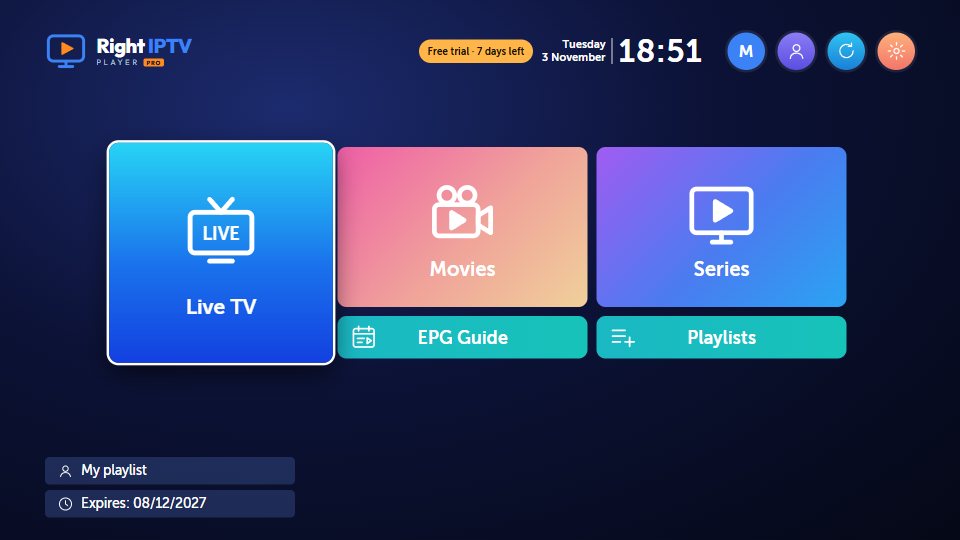
Right IPTV Player Pro plays your own Xtream Codes and M3U playlists: live TV with a full guide, movies and series that remember where you stopped, and profiles for the whole family, the same on your TV and your PC.
Start your 7-day free trial See the app
Features
Built for the remote first, and just as easy with a mouse on Windows.
Channels by category, what's on now and next, a full TV guide, and catch-up where your provider keeps it.
Posters, details and trailers, "Continue watching", and the next episode starting by itself.
Big, simple tiles in the Default look, or Flex: a streaming-style home with rows, a featured slider and a top menu.
Up to 3 profiles, each with its own favorites and history, and a kids profile that never shows adult content.
Sign in once: playlists, profiles, favorites and where you stopped follow you between your TV and your laptop.
Lock or hide categories with a PIN. Adult categories are locked from the start.
English, العربية, Français, Español, Türkçe, Deutsch, Português and Italiano, with subtitles and audio tracks to match.
Tens of thousands of titles open quickly: lists are kept on the device and only updated when your provider changes them.
Two looks
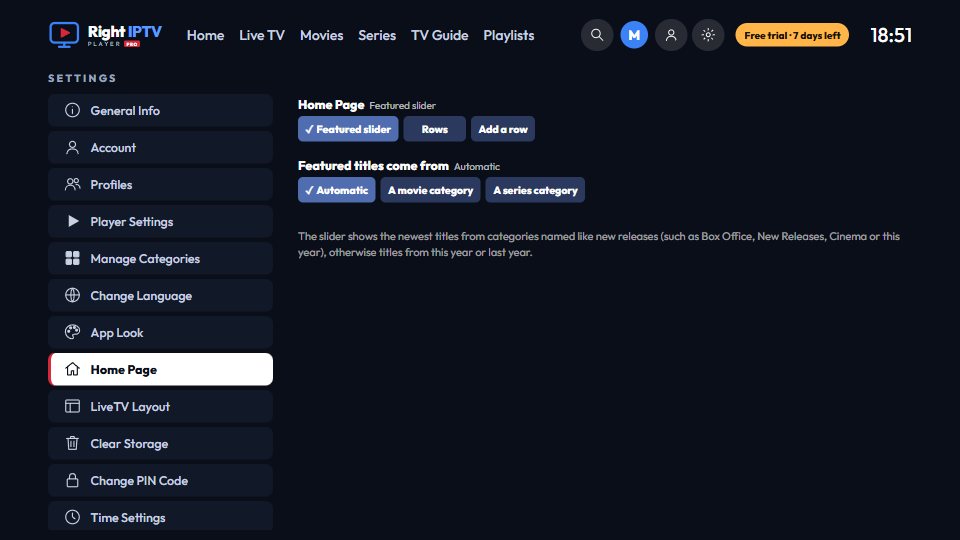
Default keeps it simple, with big tiles that are easy from the sofa. Flex brings what's new to the front: a featured slider, rows of recommendations and a menu at the top. Change it any time in Settings.

Screens
Shown here with a made-up demo playlist. With yours, you see your own channels, movies and series.
Categories down the side, posters with ratings, and sorting by date added or name. Continue watching and your favorites have their own lists.


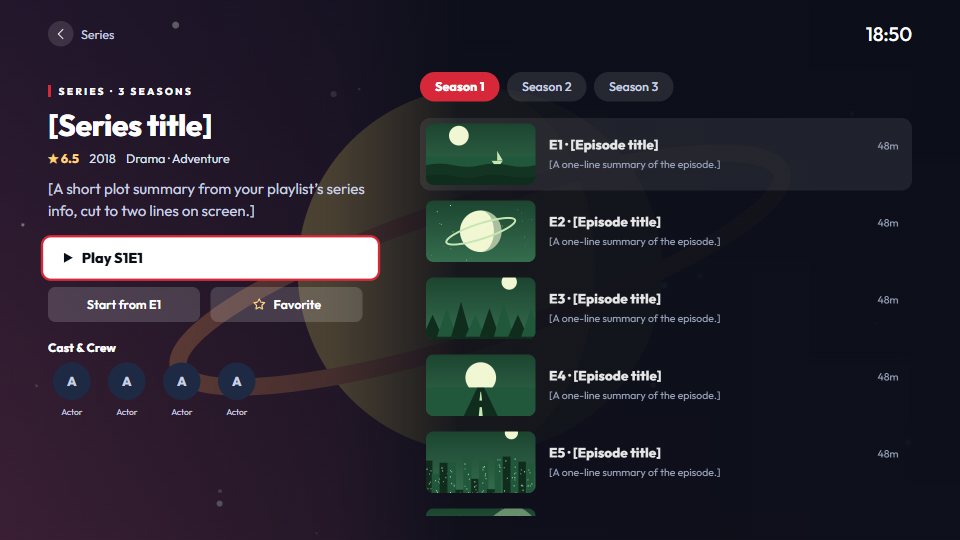
Plot, genres, running time, cast and the trailer, with Play or Resume right there. Series open on their seasons, with each episode's picture and progress.


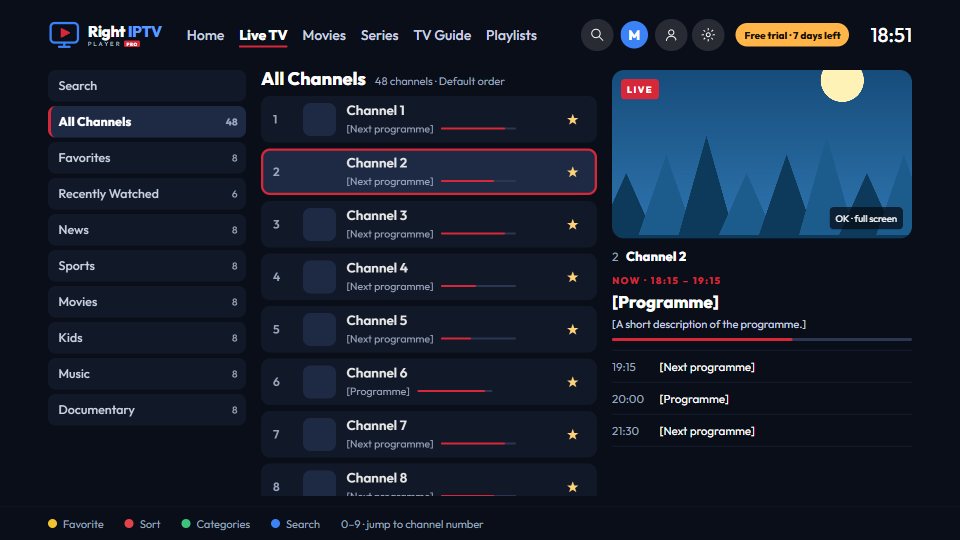
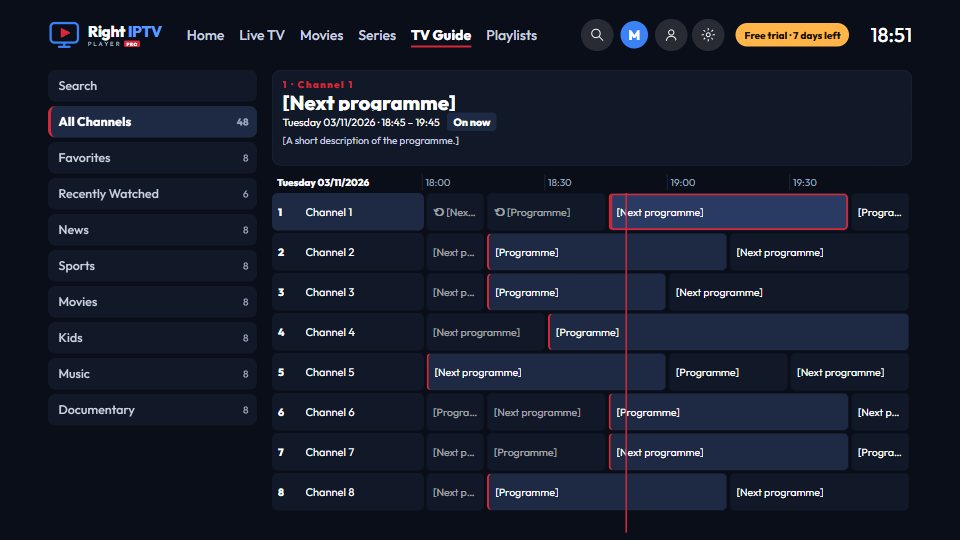
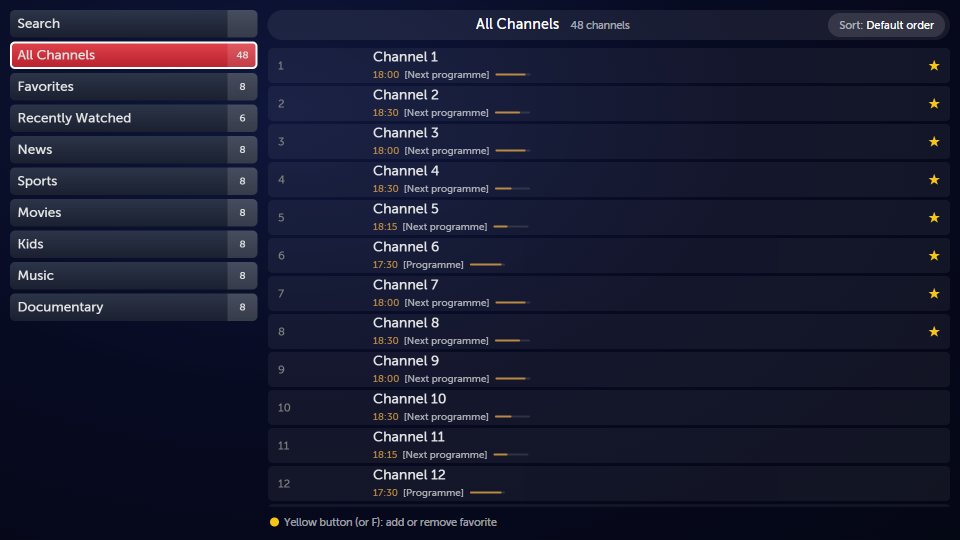
Every channel with the programme on now and its progress, a preview while you browse, and a full TV guide to plan the evening.
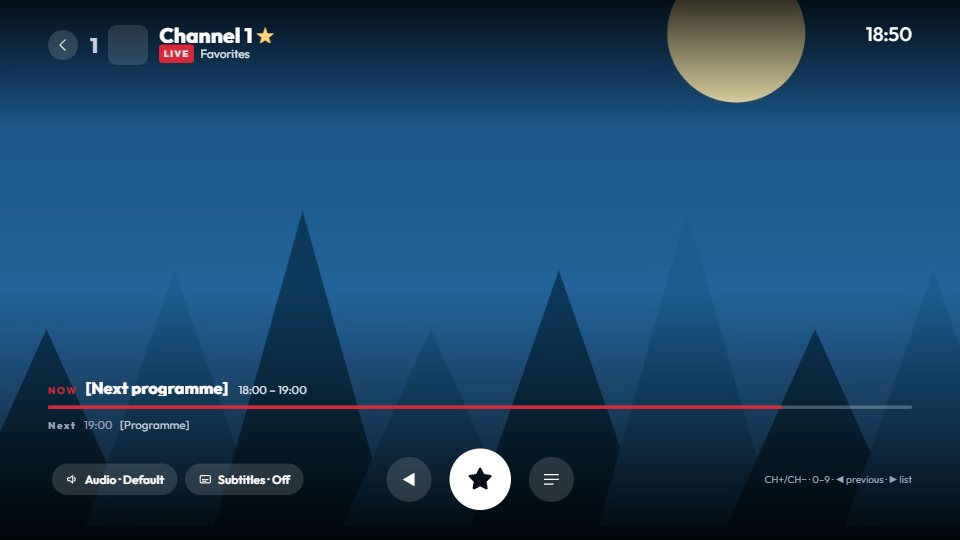
What's on now and next, audio and subtitle tracks, the channel list without stopping the picture, and the previous channel a button away. With a mouse, every button is a click away too.
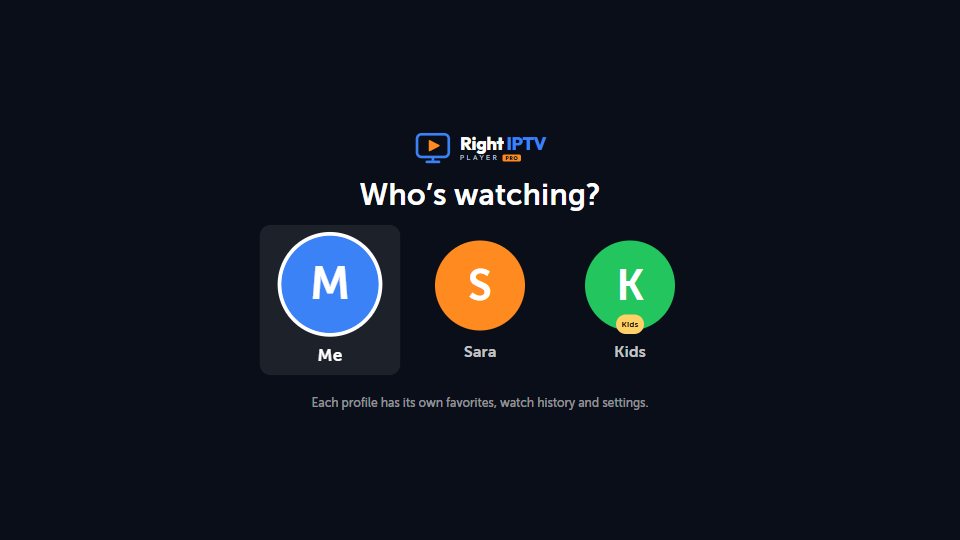
Each profile keeps its own favorites, history, language and look. The kids profile only shows what's suitable, and leaving it asks for the PIN.
Pricing
7 days free with all features. Then one yearly plan for up to 3 of your devices, TV and PC together.
USD 9.99/year
about USD 0.83 a month · in Egypt EGP 299.00
instapayPayPal See how to pay →Get the app
Search for "Right IPTV Player Pro" in the LG Content Store.
Coming soonInstall from the Microsoft Store, which keeps the app up to date.
Coming soonDownload the Setup file after signing in with a free account. It updates itself.
Download for WindowsFree for 7 days, no card needed. Bring your own playlist.
Start your free trial